
GoKollab Chats let members send direct messages to other members who share the same community. Instead of moving conversations to another tool, members can connect, collaborate, and follow up inside GoKollab.
Chats help keep community relationships active by making one-to-one communication easier and more accessible.
TABLE OF CONTENTS
- What are GoKollab Chats?
- Key Benefits of GoKollab Chats
- Who Can Use GoKollab Chats?
- GoKollab Chats vs. Community Discussions
- Unified Chat Inbox
- New Message Notifications
- Privacy and Member Access
- How to Set Up GoKollab Chats
- Frequently Asked Questions
What are GoKollab Chats?
GoKollab Chats are a direct messaging feature that lets members start private conversations with other members in the same community. This helps members collaborate faster, follow up more easily, and build stronger relationships without leaving GoKollab.
When members have a question, want to connect after a discussion, or need to continue a conversation privately, they can start a direct message from within the community experience.
Key Benefits of GoKollab Chats
Direct messaging helps members stay connected beyond public posts and discussions. By giving members a private way to continue conversations, communities can become more active, relationship-driven, and collaborative.
- In-Platform Messaging: Members can start conversations with other members who share a community with them.
- Stronger Member Connections: Private one-to-one conversations make it easier for members to collaborate, ask questions, and follow up after group discussions.
- Unified Chat Experience: Members can access ongoing chats from one place, making it easier to track conversations and return to previous messages.
- Searchable Conversations: Chat history can be searched, helping members find previous discussions or important follow-ups.
- New Message Notifications: Members receive in-app notifications when they receive new messages.
Who Can Use GoKollab Chats?
GoKollab Chats are designed for members who share access to the same community. This keeps direct messaging connected to the community experience and helps members communicate with people who are part of the same group or shared space.
Members can start chats with other members who share a community with them. If a member does not appear as available to message, it may be related to community access, group membership, privacy settings, or admin-controlled availability.
GoKollab Chats vs. Community Discussions
GoKollab Chats are for direct member-to-member conversations. Community discussions are for group-level engagement.
Use GoKollab Chats when a conversation should happen privately between members. Use community discussions, posts, channels, or announcements when the information should be visible to a larger group or a specific channel audience.
Unified Chat Inbox
The unified chat interface gives members one place to view and manage their ongoing conversations. This helps reduce scattered communication and makes it easier to continue previous chats.
Members can access their active conversations from the chat area in GoKollab. The chat interface helps members quickly return to existing conversations, search chat history, and manage communication without leaving the platform.
New Message Notifications
Notifications help members stay aware of new direct messages. This improves response time and keeps conversations moving without requiring members to manually check each chat.
When a member receives a new GoKollab Chat message, they receive an in-app notification. This helps them identify new activity and return to the conversation quickly.
Privacy and Member Access
Direct messages support private member-to-member communication, but availability may depend on community access and member settings. Clear access rules help keep messaging relevant to the communities members actually share.
GoKollab Chats are connected to shared community membership. Community owners should review member access, group permissions, and privacy settings when troubleshooting who can message whom.
For private group-level conversations, use Private Channels instead of direct messages. Private Channels are designed for members-only discussions within a channel, while GoKollab Chats are intended for direct one-to-one messaging.
How to Set Up GoKollab Chats
A proper setup helps members find and use direct messaging without confusion. Before guiding members to use GoKollab Chats, make sure they have access to the correct community and understand where chats are available.
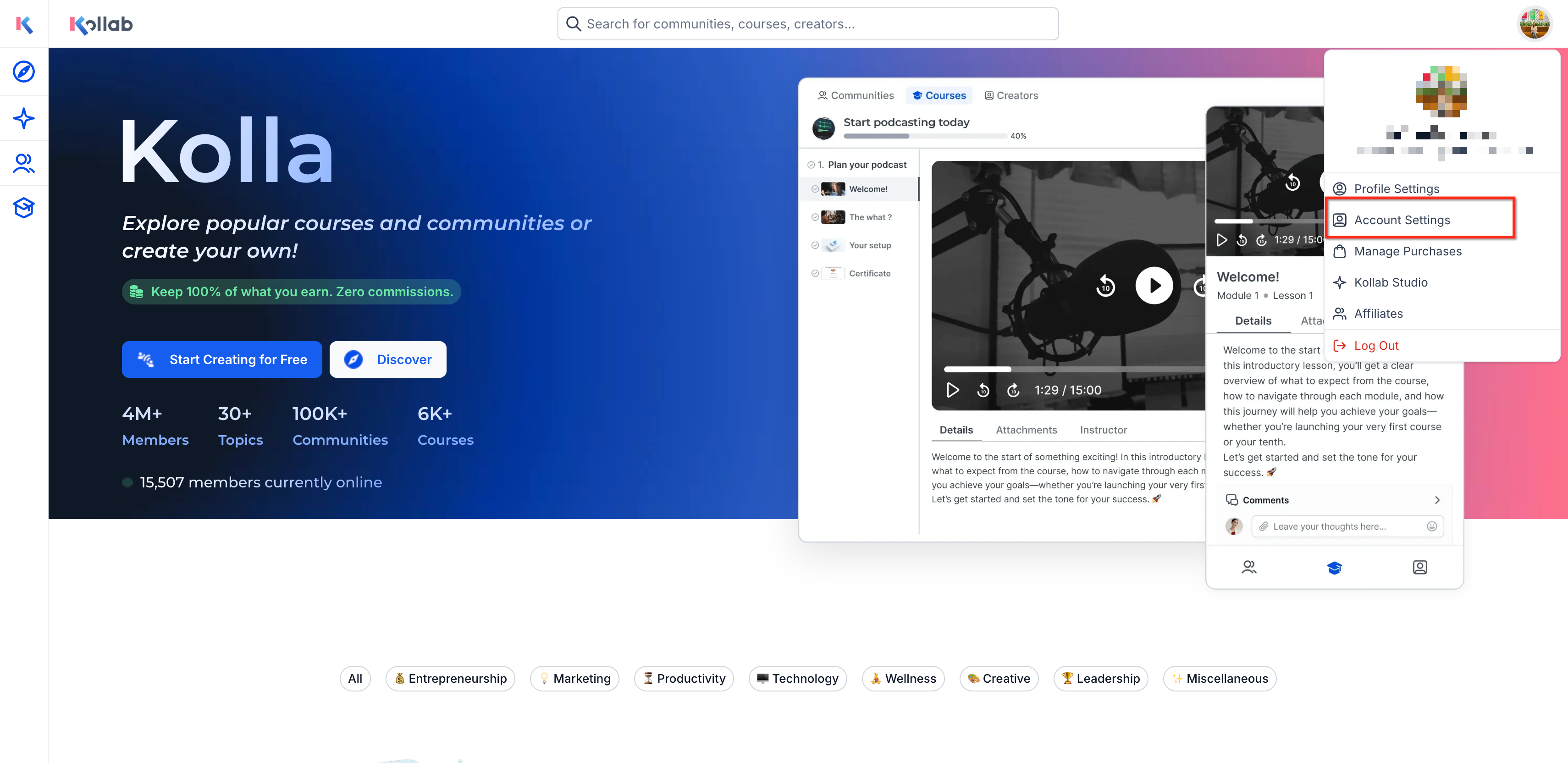
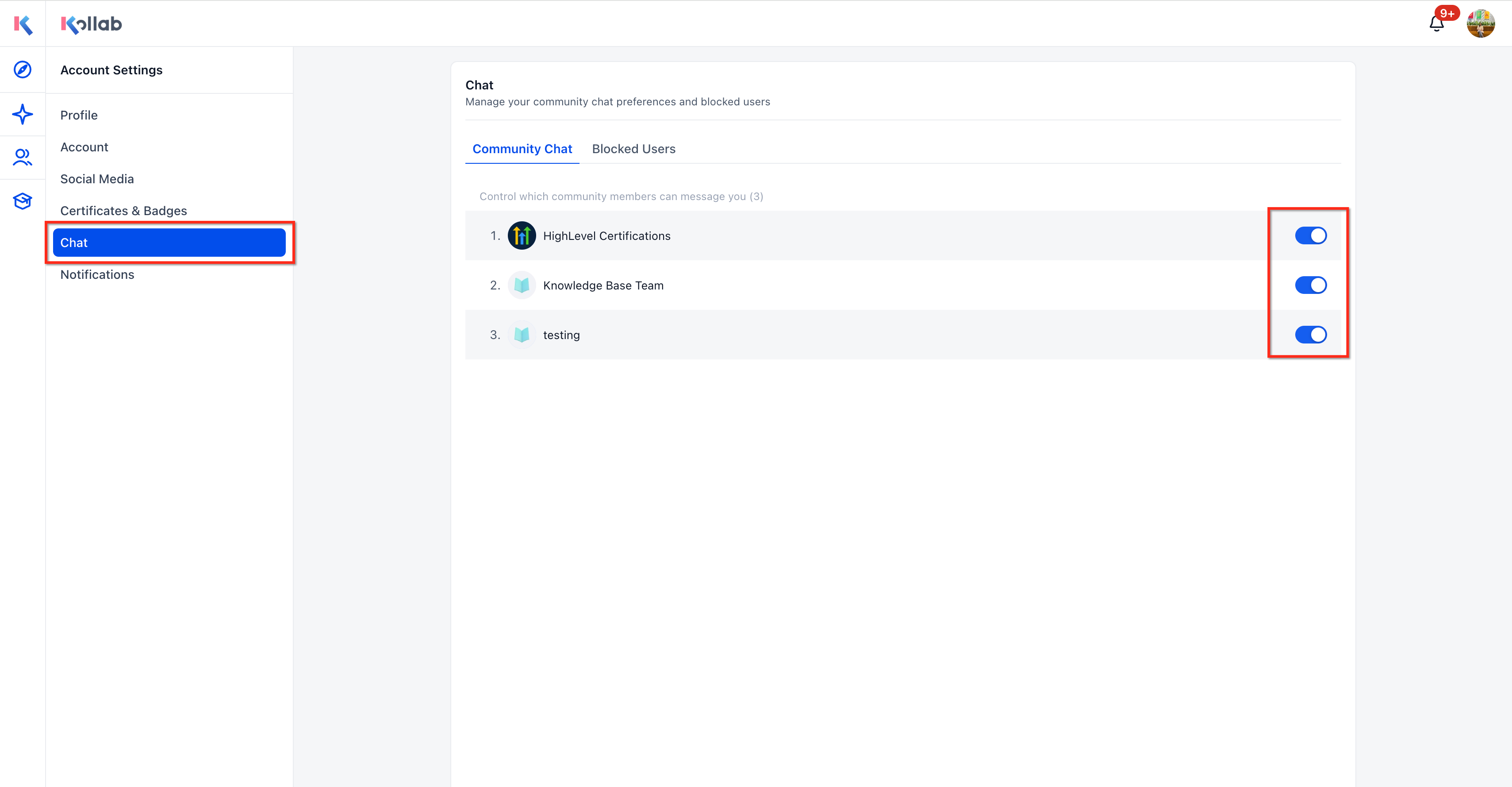
- Log in to GoKollab and check the account settings.
- Open the community where you want to connect with another member.
- Go to the community discussion page.
- Find the member you want to message.
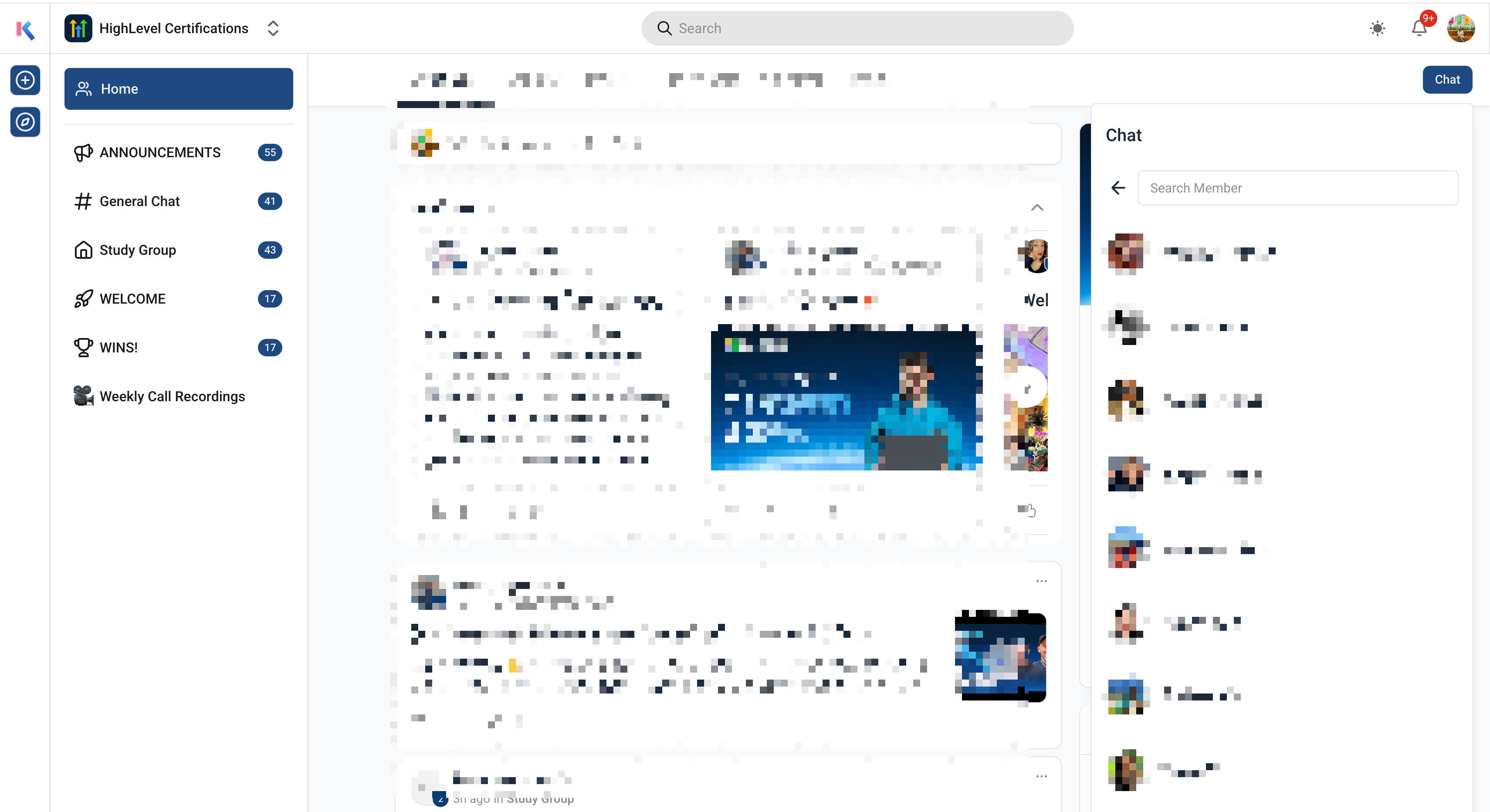
- Click the chat or message option.
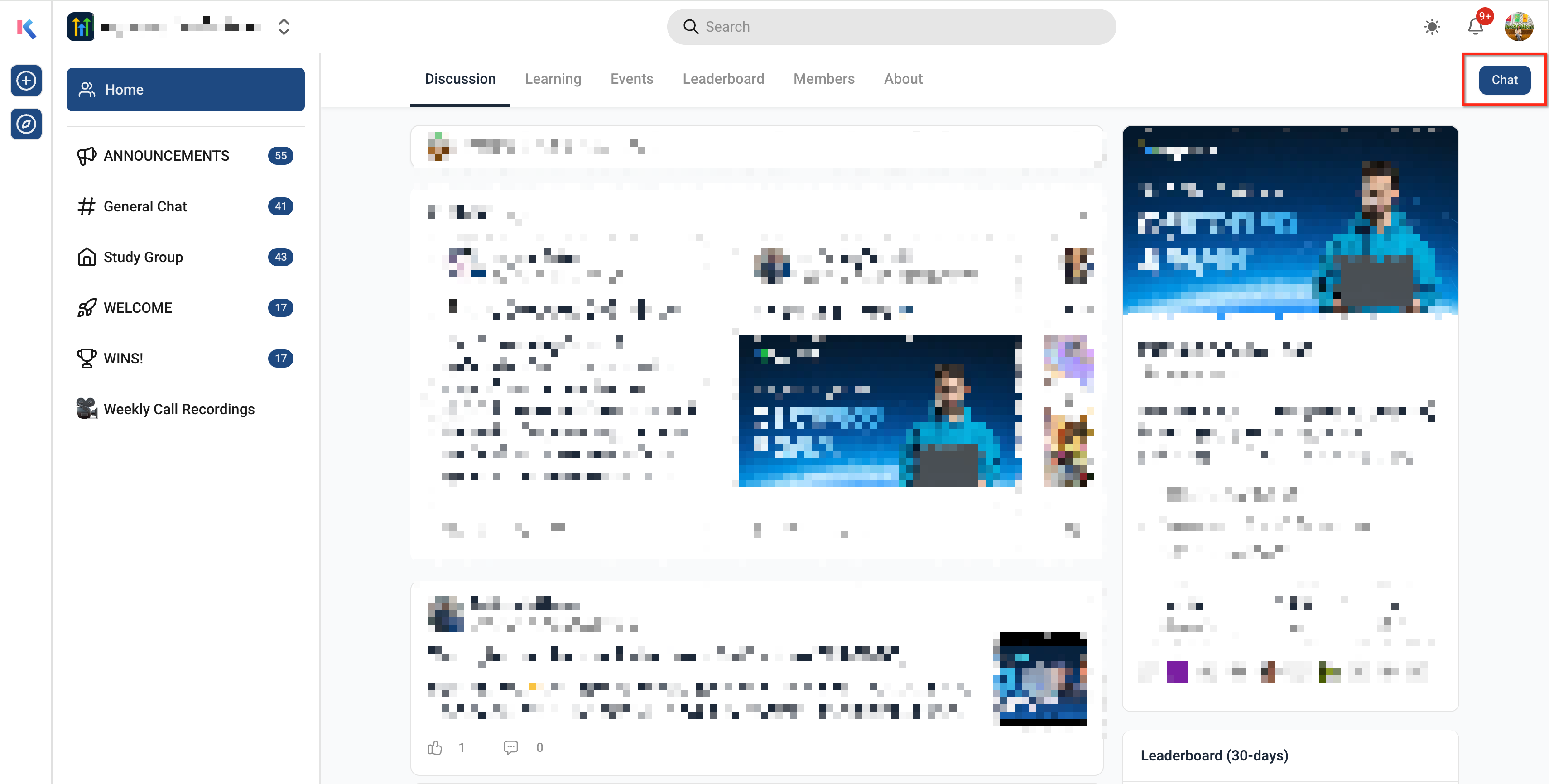
- Type your message.
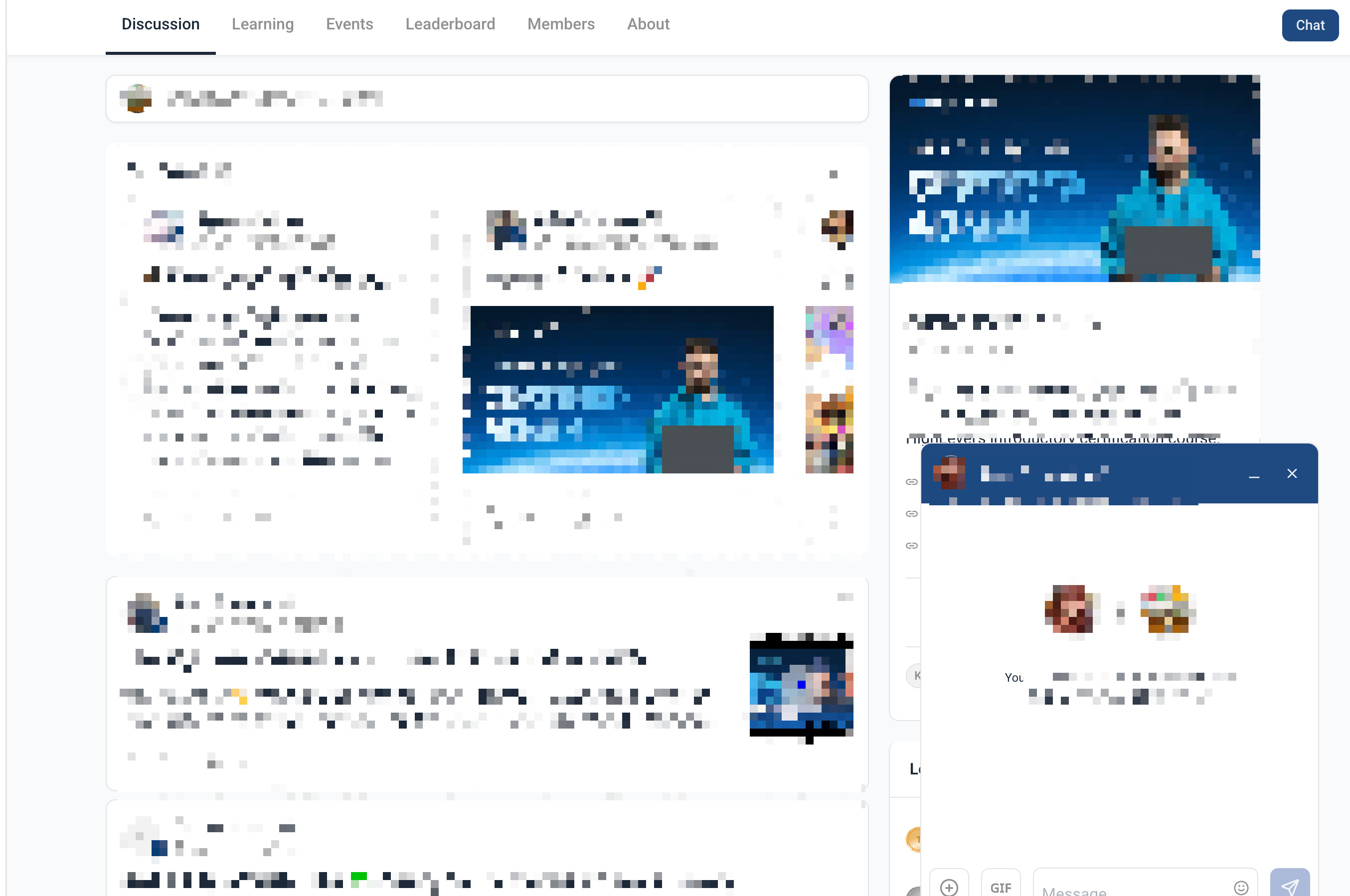
- Send the message to start the conversation.
- Open the chat inbox to view ongoing conversations.
- Use search to find previous conversations or message history when needed.
Frequently Asked Questions
Q: Can I message anyone on GoKollab?
A: No. GoKollab Chats are intended for messaging members who share a community with you.
Q: Where do I start a new chat?
A: You can start a conversation from the community discussion page when the chat option is available for a member.
Q: Where can I find my existing chats?
A: Existing conversations are available from the unified chat interface in GoKollab.
Q: Will members know when I send them a message?
A: Yes. Members receive an in-app notification when they receive a new message.
Q: Can I search my chat history?
A: Yes. GoKollab Chats include searchable chat history so members can find previous conversations.
Q: Why can’t I message a specific member?
A: The member may not share the same community access, or messaging availability may be affected by member access, privacy, or group settings.
Q: Are GoKollab Chats the same as private channels?
A: No. GoKollab Chats are direct member-to-member messages. Private Channels are group-level spaces restricted to selected members.