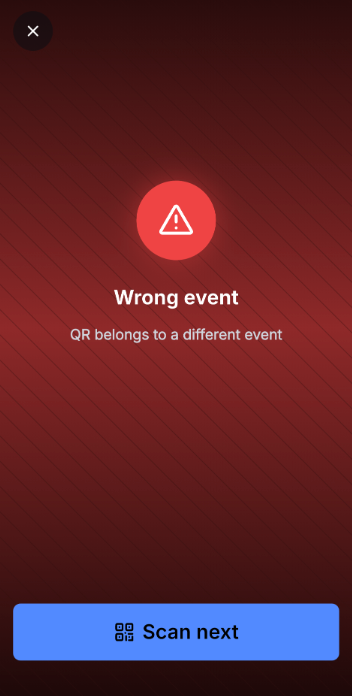
Check-in allows event organisers to mark attendees as arrived at their venue using the mobile app. It works for in person events only – both ticketed and RSVP'd. For online events, you can view the attendee list, but check-in is not available.
There are two ways to check in an attendee: scanning their QR code or doing it manually.
QR Code Check-in
Every attendee who purchases a ticket or registers via RSVP receives a ticket with a QR code. To check them in, open the mobile app and scan the QR code when they arrive.
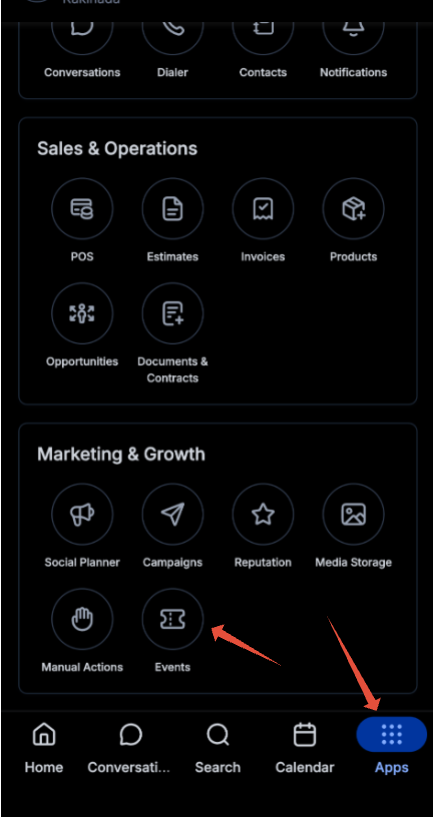
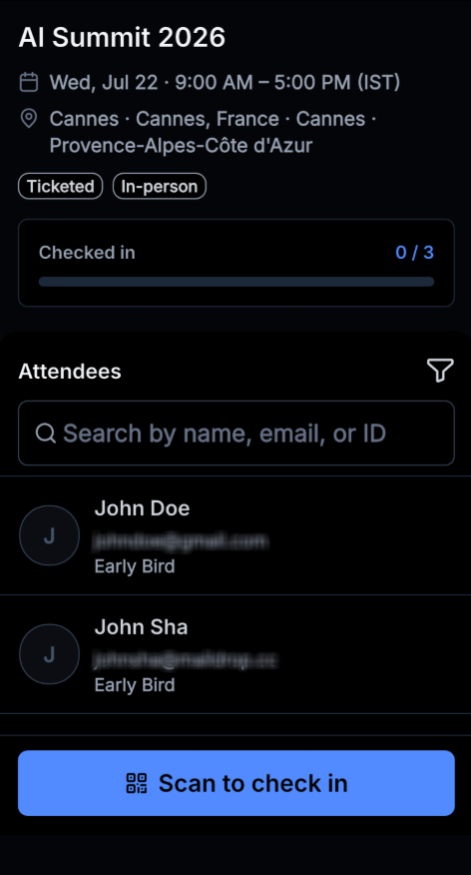
- Go to the Apps Section in Mobile > Select the Events App.
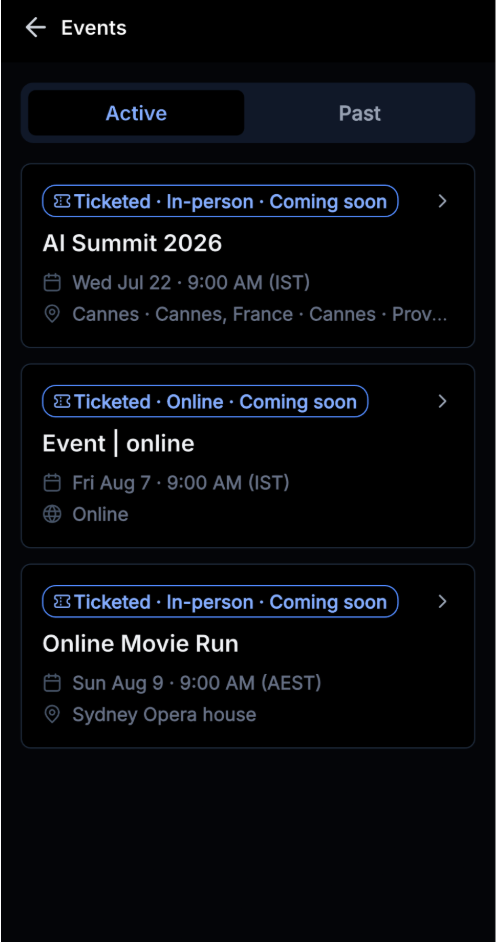
- Select the Event you want to check in the attendees for
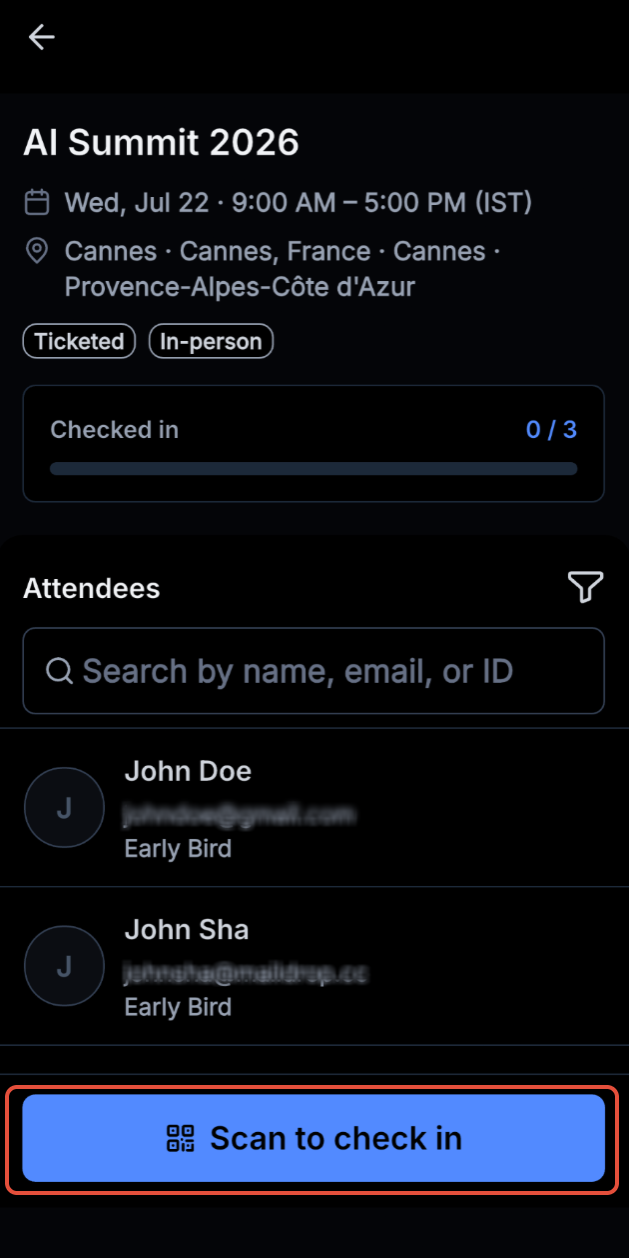
- Click on the "Scan to check in" to check in the attendees.
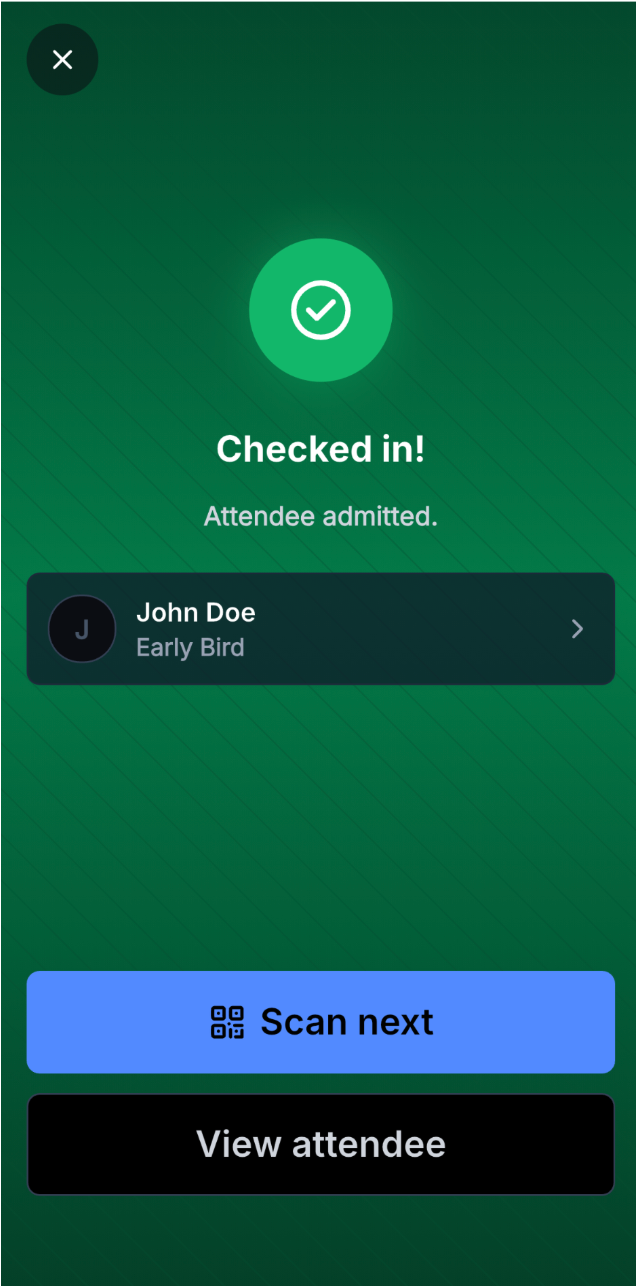
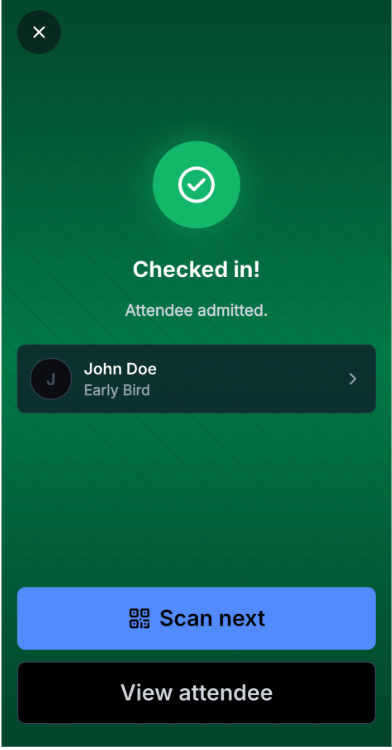
- QR Code is scanned and attendee is checked in.
Manual Check-in
If QR scanning isn't working, or the attendee has lost their ticket, you can check them in manually. Verify their identity, then:
- Go to the Attendees tab and tap on the Attendee.
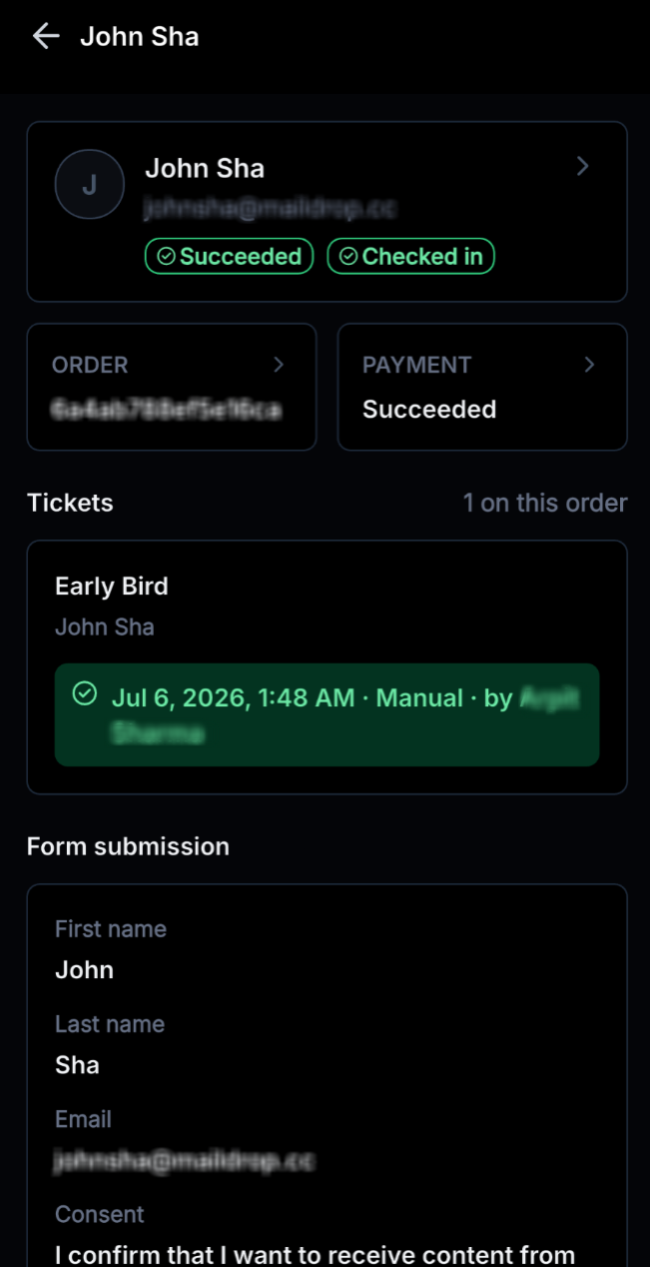
- Check in the attendee by clicking on the "Check in" button.
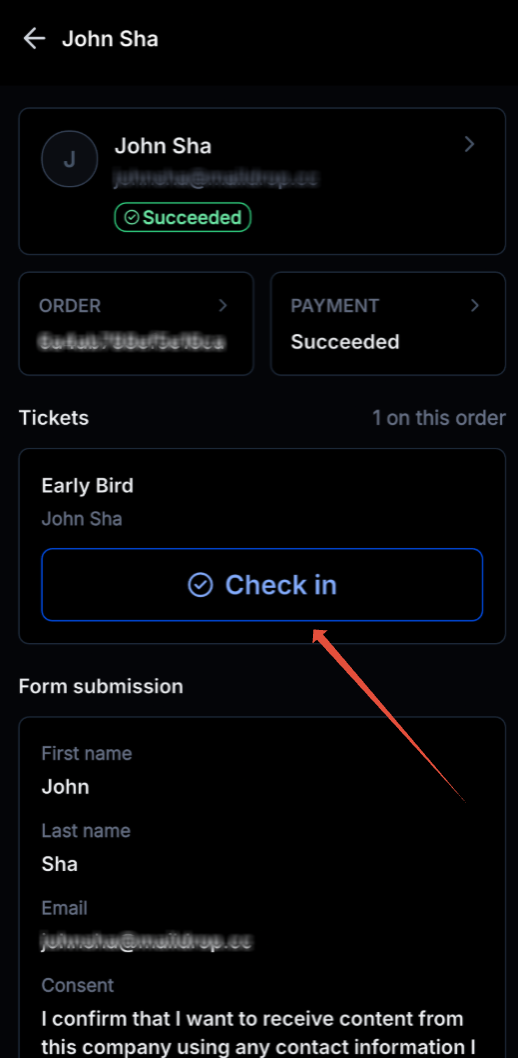
- From the same view, you can also see the attendee's form submission details.
FAQs
What happens if I scan the same ticket twice? The app will show that the attendee has already been checked in.
What happens if I scan a ticket meant for a different event? The app will show that the ticket is not valid.