
Kollab Mobile App
The Kollab Mobile App (Beta v2) brings truly native collaboration to your iOS or Android device with sub-2-second load times, instant notifications, and 98% crash-free stability.
This guide covers the app's key features, how to install and configure it, and answers common questions about notifications, offline access, and upcoming enhancements.
This is a Beta v2 release. While the app delivers significant performance and stability improvements, additional features like the Unified Feed, Kollab Marketplace, and Mobile Live Streaming are under active development and will ship in future updates.
What is Kollab Mobile App?
Kollab is the native mobile application for Communities, Courses, Events, and Chats. Re-engineered from the ground up, Beta v2 replaces the legacy hybrid build with a fully native experience that launches in under two seconds, streams media through the Media Core platform, and delivers real-time notifications you can trust.
Designed for iOS and Android, the app keeps you connected to your learning and collaboration spaces without the lag, crashes, or wait times of earlier versions.
Key Benefits
Kollab Mobile App delivers a fast, reliable, and polished experience that keeps you engaged wherever you are. Key highlights include:
Instant & Reliable Notifications
Timely, actionable push notifications keep you looped in on new messages, comments, enrollments, and more—so you can engage at the right moment without being overwhelmed by noise.
Fine-grained toggle controls in the app's Settings let you decide exactly which alert types you want to see, helping you stay focused on what matters most.
Native Speed & Performance
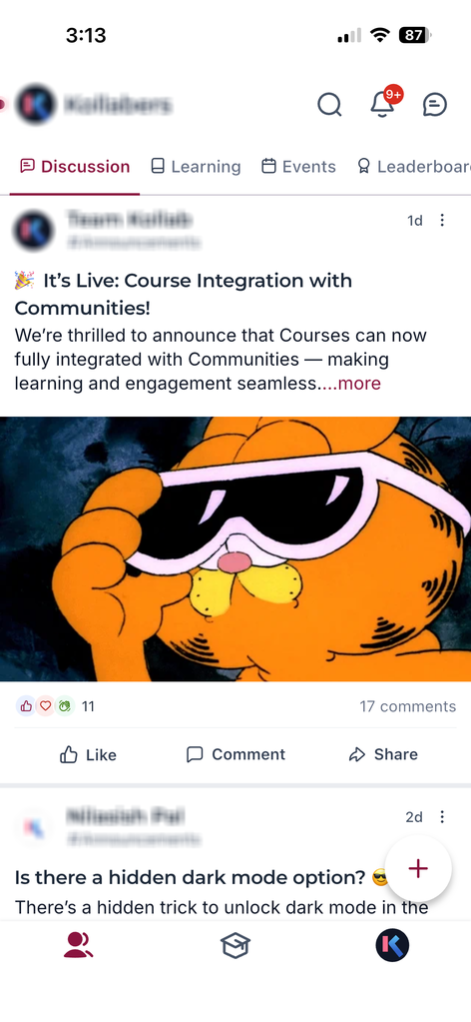
Because the app is written natively for both iOS and Android, every tap, swipe, and navigation feels immediate. Initial load times average 1.5–2 seconds (down from 20), while background caching keeps content pre-fetched for even faster subsequent opens.
Smooth 60 fps scrolling ensures a fluid experience as you browse courses, communities, and chats without any lag or blank loading screens.
Intuitive Navigation
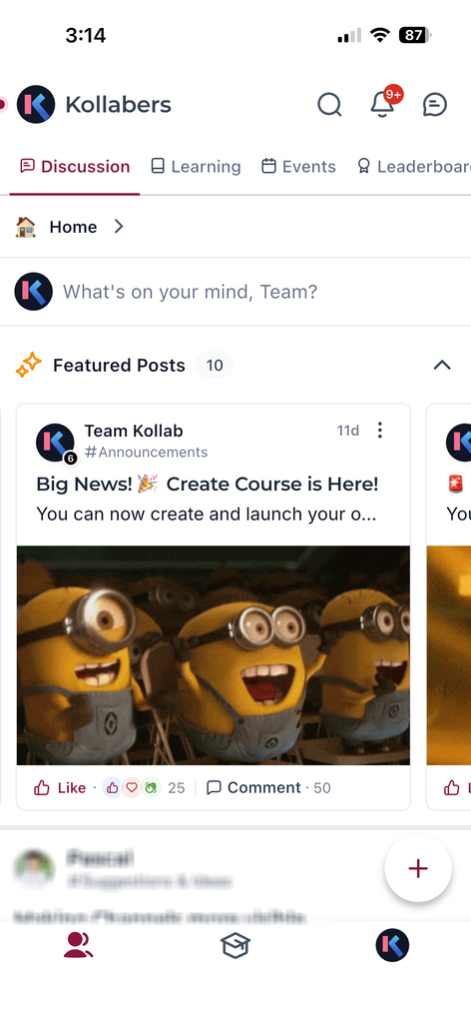
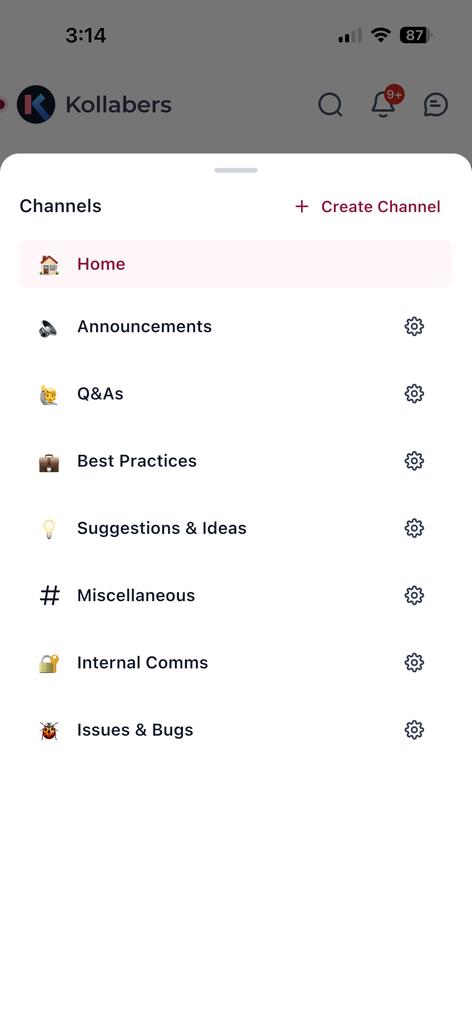
A bottom-tab architecture lets you hop between Courses, Communities, Events, and Chats with zero clunky redirects. The flow-first design keeps you immersed in your work without unnecessary friction.
Deep-link support (coming soon) will drop you directly into the right screen from an email or web link, making it even easier to jump back into a conversation or course lesson.
Enhanced Media with Media Core
HD images and videos are streamed through Media Core, delivering crisp visuals without buffering. Adaptive bit-rate streaming means content looks great on any connection speed, whether you're on Wi-Fi or cellular.
This ensures course videos, community posts with images, and event media load quickly and play smoothly every time.
Stability & Continuous Beta Testing
Every public build is validated by real beta testers before release, resulting in a 98% crash-free rate and dramatically fewer "hot-fix" updates.
This rigorous testing process means new features arrive polished and stable, so you can focus on learning and engaging instead of troubleshooting bugs.
How to Set Up Kollab Mobile App
A native install ensures you get the best performance and notification reliability. Follow these steps to get started:
iOS: Open the Apple App Store, search for "Kollab by LeadConnector," then tap Download.
Android: Open Google Play Store, search for "Kollab by LeadConnector," then tap Install.
Use the same email and password (or OTP) you use on the web. If you belong to multiple domains, you'll be prompted to choose which domain you want to enter.
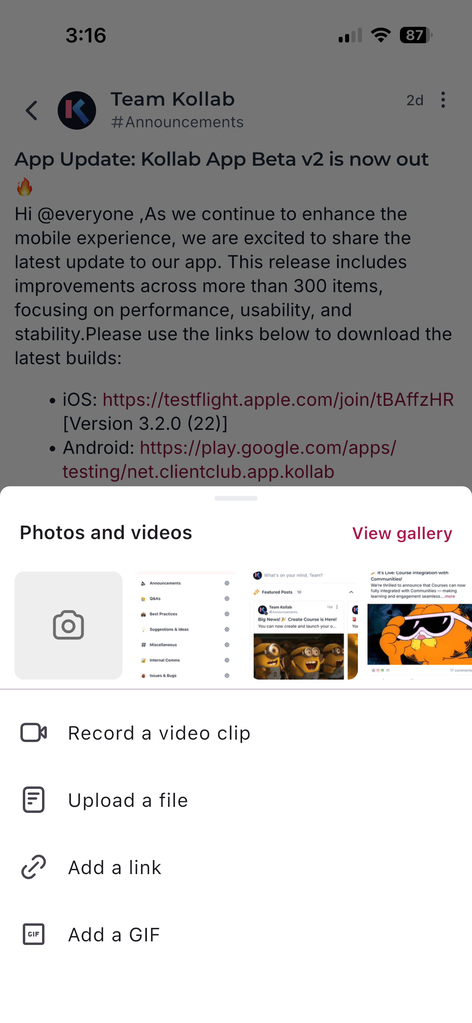
When prompted, allow notifications to receive real-time alerts for chats, posts, comments, and course updates.
Open Settings › Notifications inside the app to customize which alert types you receive.
Tap through Courses, Communities, Events, and Chats to start learning and engaging.
Enable auto-updates via the App Store or Google Play to receive the latest performance improvements and feature releases.
You're all set! Your communities, courses, and chats are now accessible from your mobile device with native speed and reliability.
Frequently Asked Questions
If you experience issues with notifications, sign-in, or media playback:
- Open Settings › Notifications in the app to verify your alert preferences.
- Check that you granted push notification permissions at the device level (iOS Settings › Notifications › Kollab or Android Settings › Apps › Kollab › Notifications).
- Ensure you're running the latest version of the app from the App Store or Google Play.
- If sign-in fails, verify your credentials match those used on the web.
- For persistent issues, contact support through the in-app help menu or your community administrator.