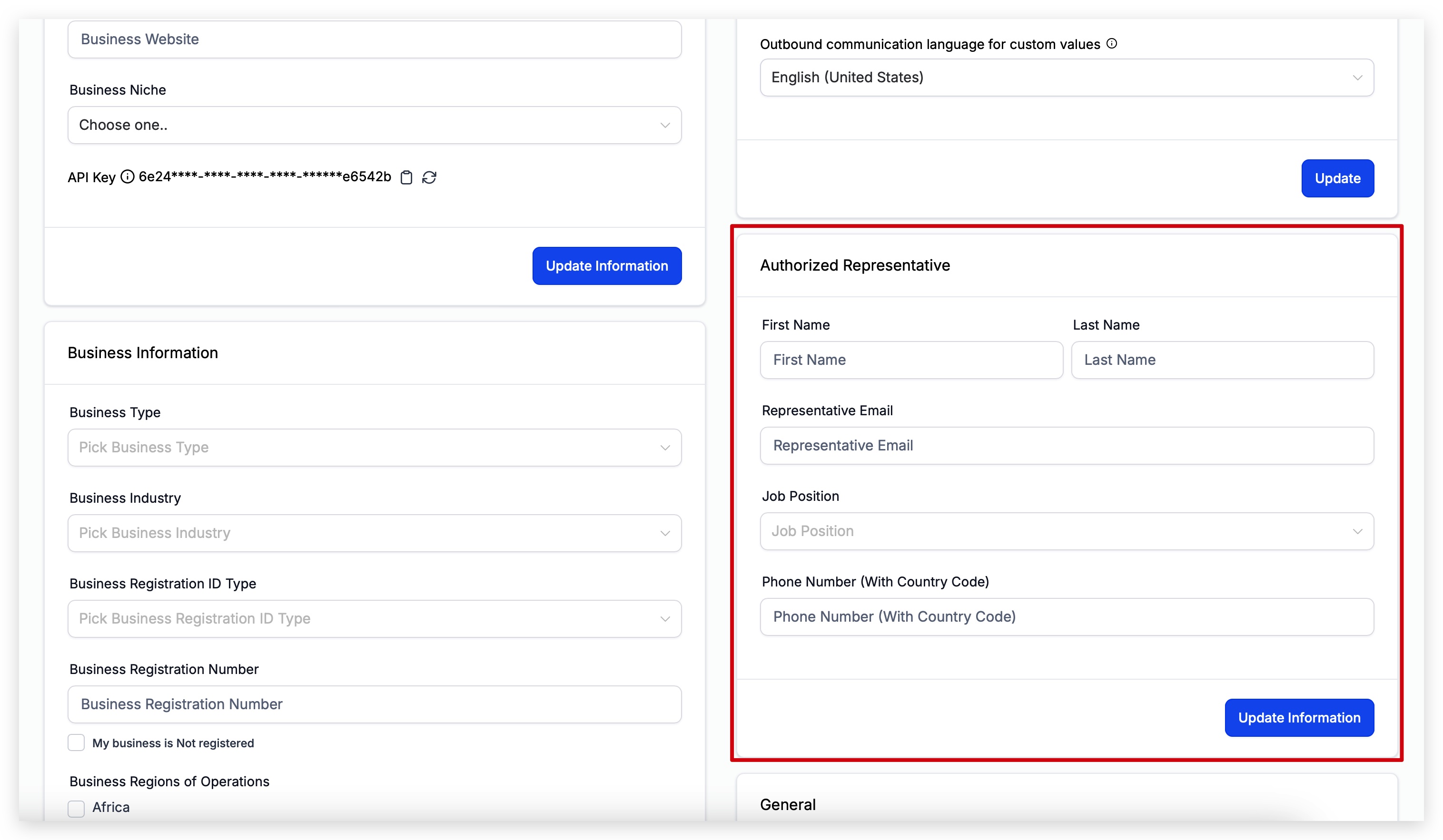
Authorized Representative identifies a real person who can verify and speak for the business during compliance reviews (e.g., A2P 10DLC brand/campaign approvals). Adding a reachable representative can prevent stalled verifications and speed up approvals.
TABLE OF CONTENTS
What is an Authorized Representative
An Authorized Representative is a real person who has the authority to represent your business when business identity or compliance information needs to be verified. The representative's contact and role information as part of the Business Profile so the appropriate person can be associated with the business during applicable reviews.
If you are the person authorized to represent the business, enter your own information. If someone else has that responsibility, enter that person's information instead.
How to Set Your Authorized Representative
- Navigate to Settings.
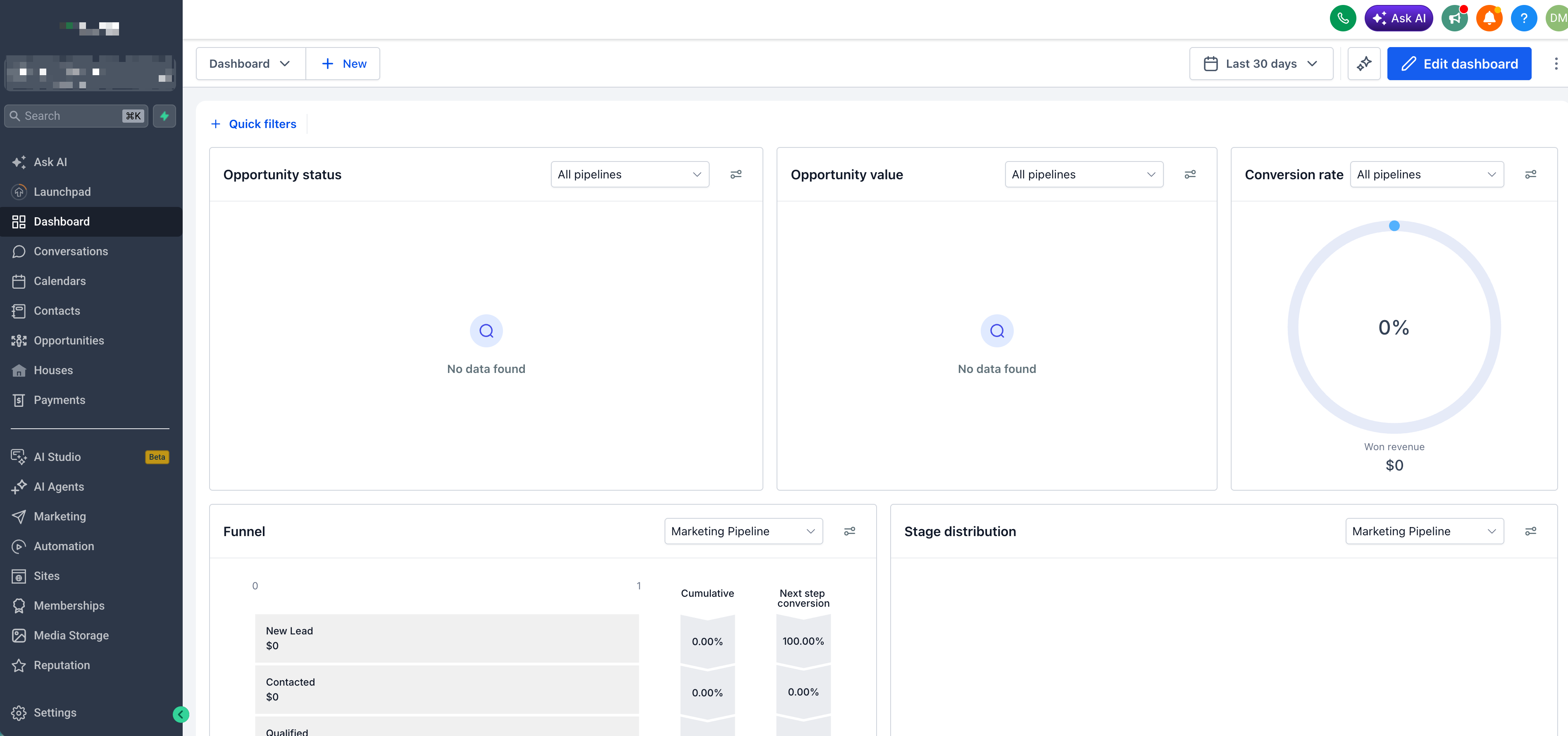
- Select the Business Profile tab.
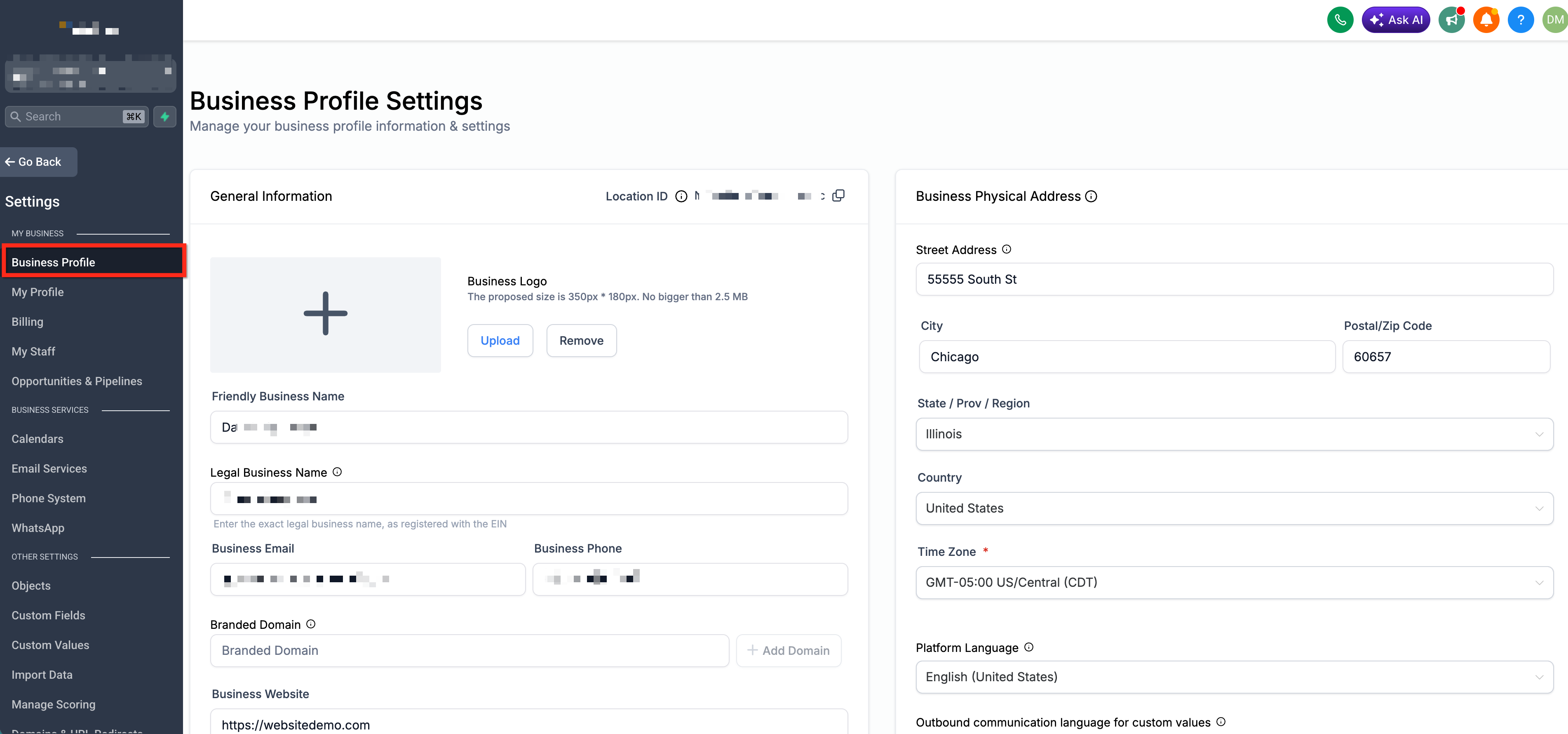
- Locate the Authorized Representative section. Enter the following information:
- Representative Name: Enter the representative’s legal name as it appears on internal HR or corporate records. Be sure to use full first and last name while avoiding any nicknames or aliases.
- Email: Provide a monitored email inbox for the representative. Verification questions go to this address.
- Job Position: Specify the person’s title or role that demonstrates authority to represent the business (e.g., Owner, CEO, Marketing Director, Compliance Officer).
- Phone Number: Enter a reachable phone number for time-sensitive verification calls or SMS. Be sure to include country code (e.g. +1)