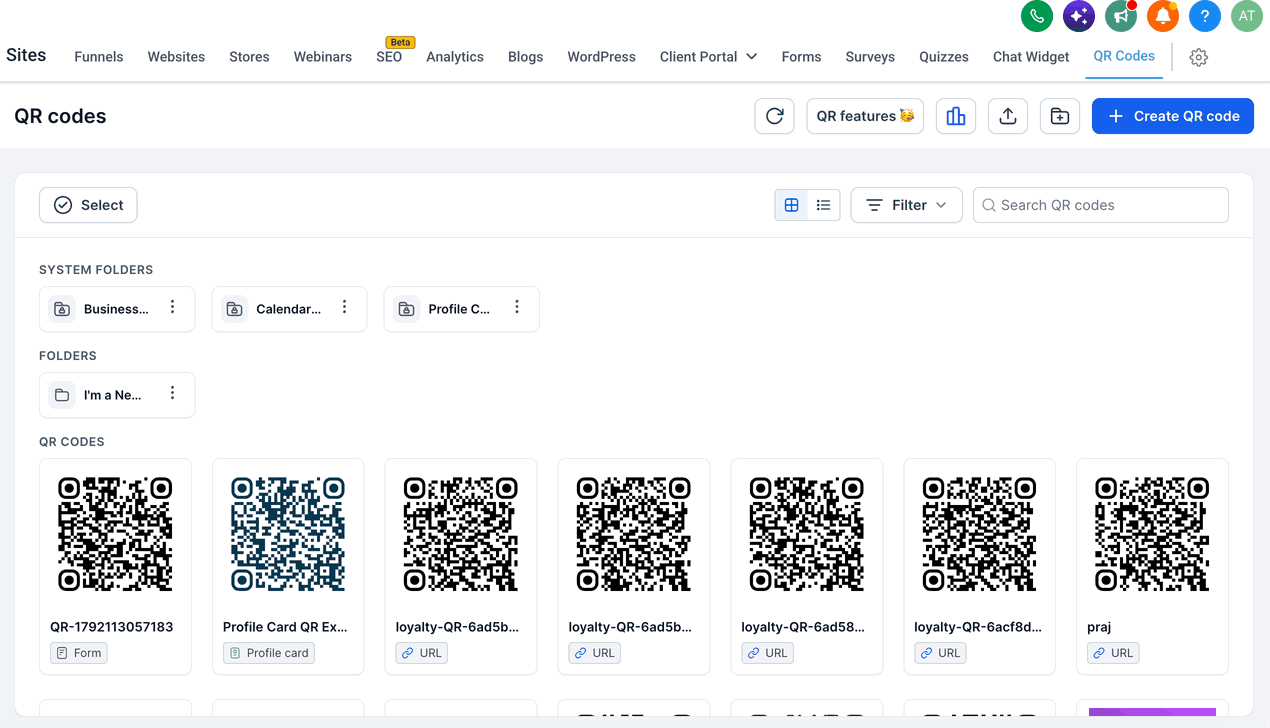
The QR Code Features landing page brings together everything you need to know about QR codes in one place.
Navigate to Sites > QR Codes. If you haven't created any QR codes yet, this section displays the QR Code Features landing page.
Create: Follow the built-in workflow to create a QR code quickly or customize its details to suit your needs.
Types: Create QR codes for websites, forms, SMS, calls, email, payments, and more—all in one place.
Bulk: Create hundreds of QR codes in seconds with a single CSV upload. This feature helps you manage large campaigns, teams, or projects.
Analytics: Track total and unique QR scans, analyze scan activity by device type and browser, and view geographic insights by country, state, and city. Review supported historical scan data from August 28, 2024, onward. For more information about analytics metrics, see Funnel, Website & Webinar Analytics Definitions.
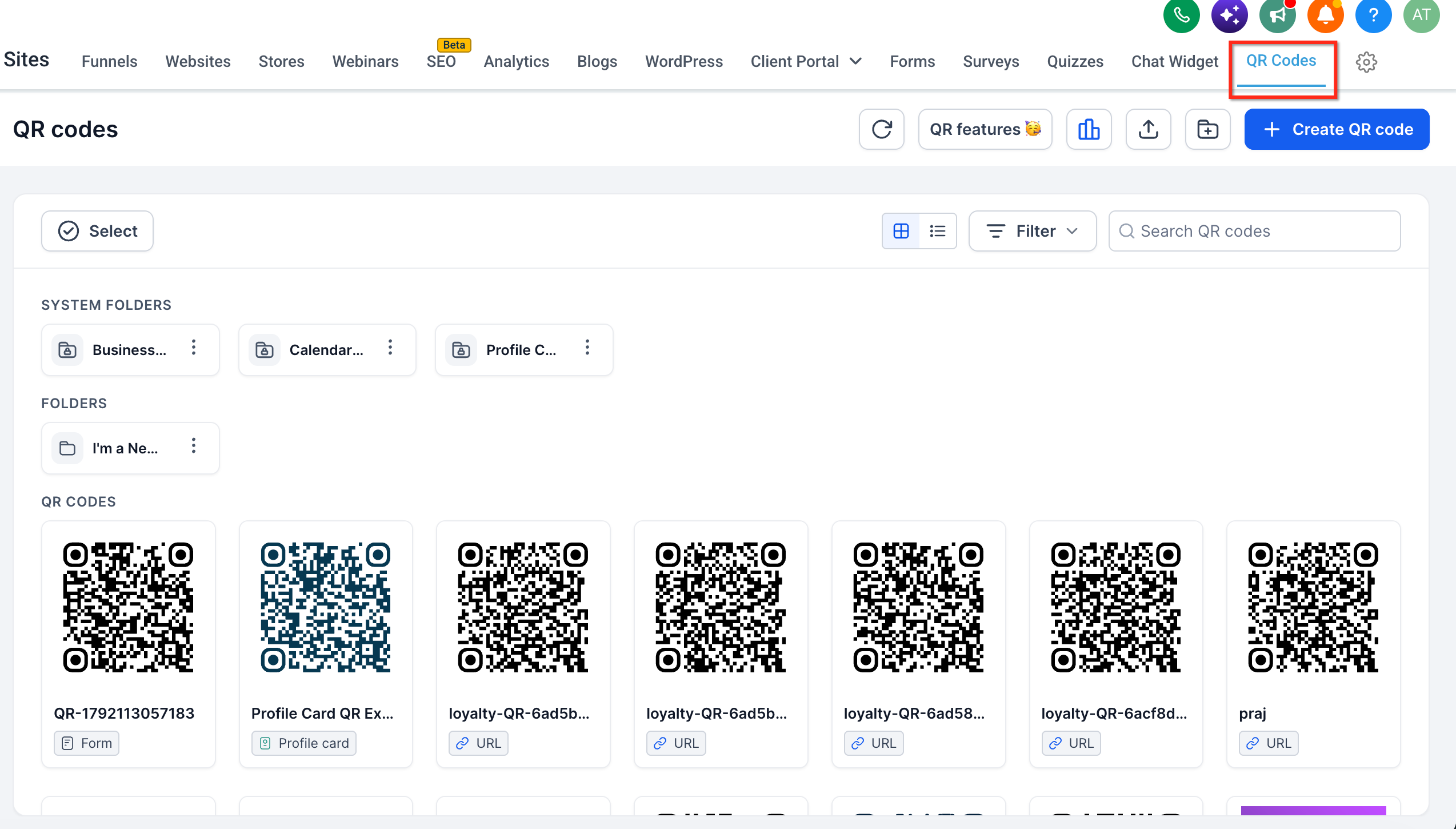
Once you have created one or more QR codes, this section displays your QR Code library. Click the QR Features button to reopen the landing page in a modal.