
One Question at a Time is a setting in the Survey Builder that displays one survey question per screen. This creates a simpler, more focused experience for respondents completing the survey.
TABLE OF CONTENTS
What It Does
When One Question at a Time is enabled:
Each survey question appears on a separate slide for respondents and in the builder preview.
The layout helps respondents focus on one question at a time.
The builder preview reflects how respondents see the survey.
This setting improves clarity when designing and reviewing surveys.
You don't need to take any action unless you want to enable this layout for your survey.
How to Turn It On
Open your survey in the Survey Builder.
Click Styles & Options in the upper-right corner.
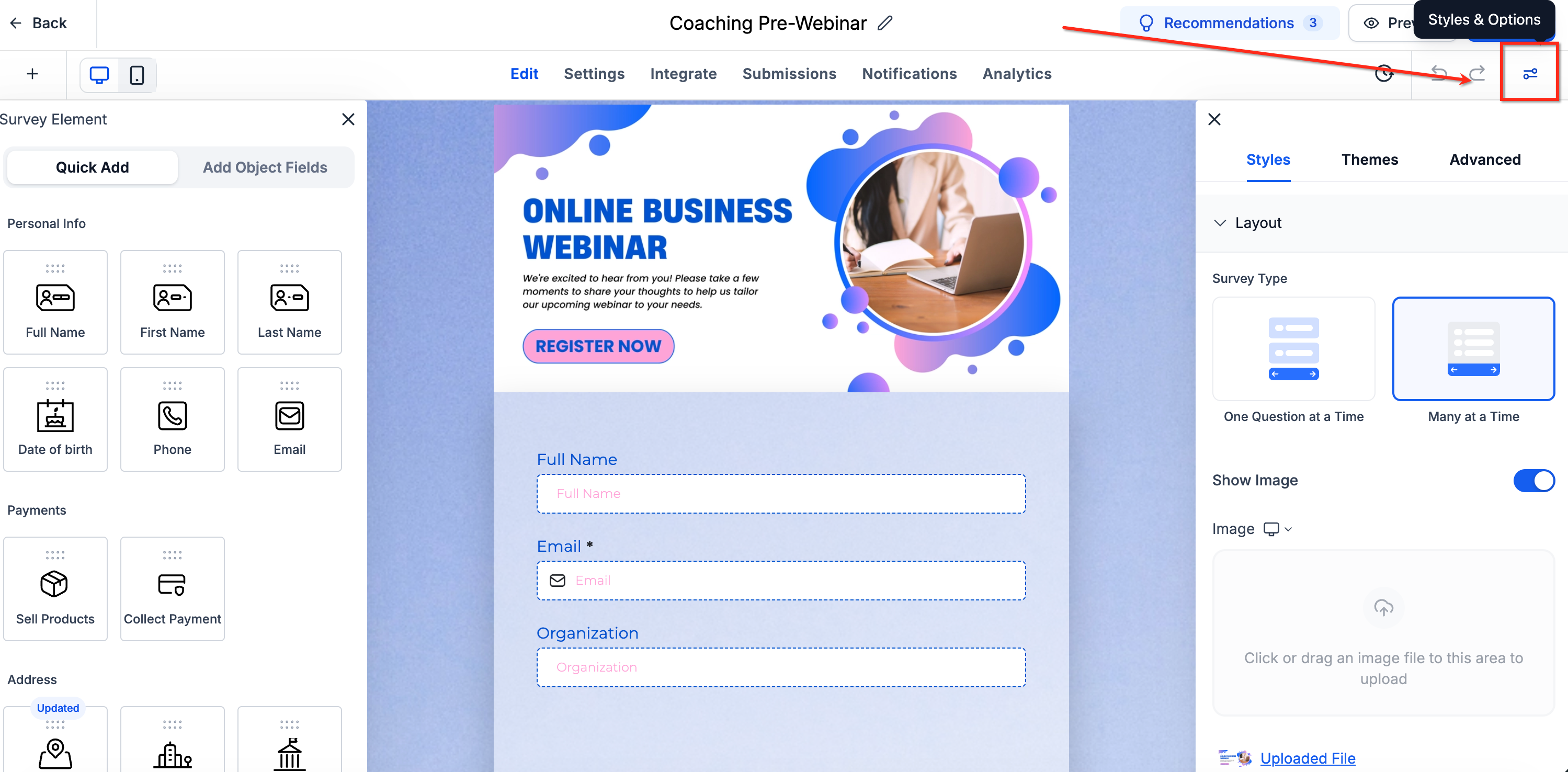
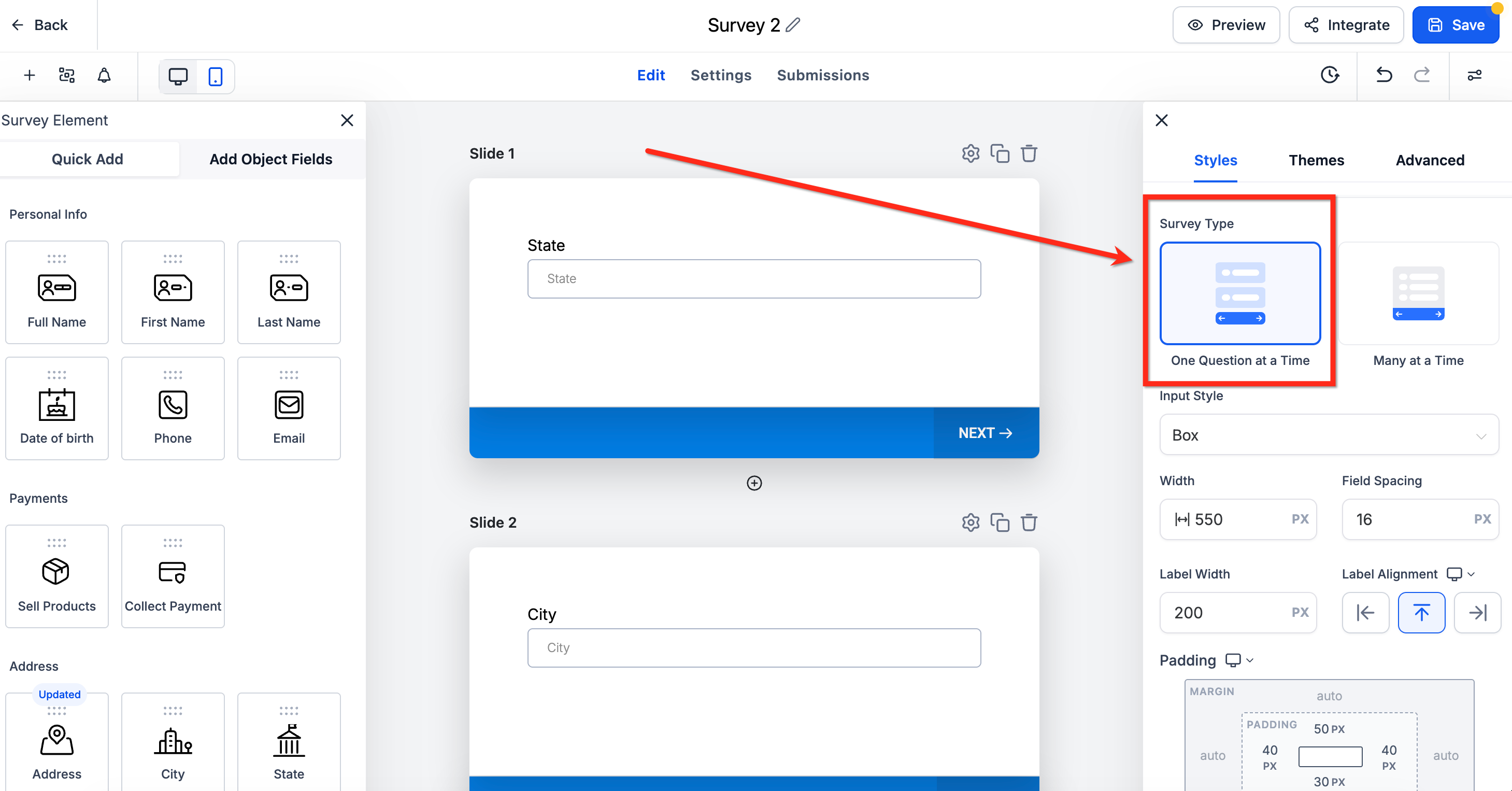
Under Survey Type, select One Question at a Time.
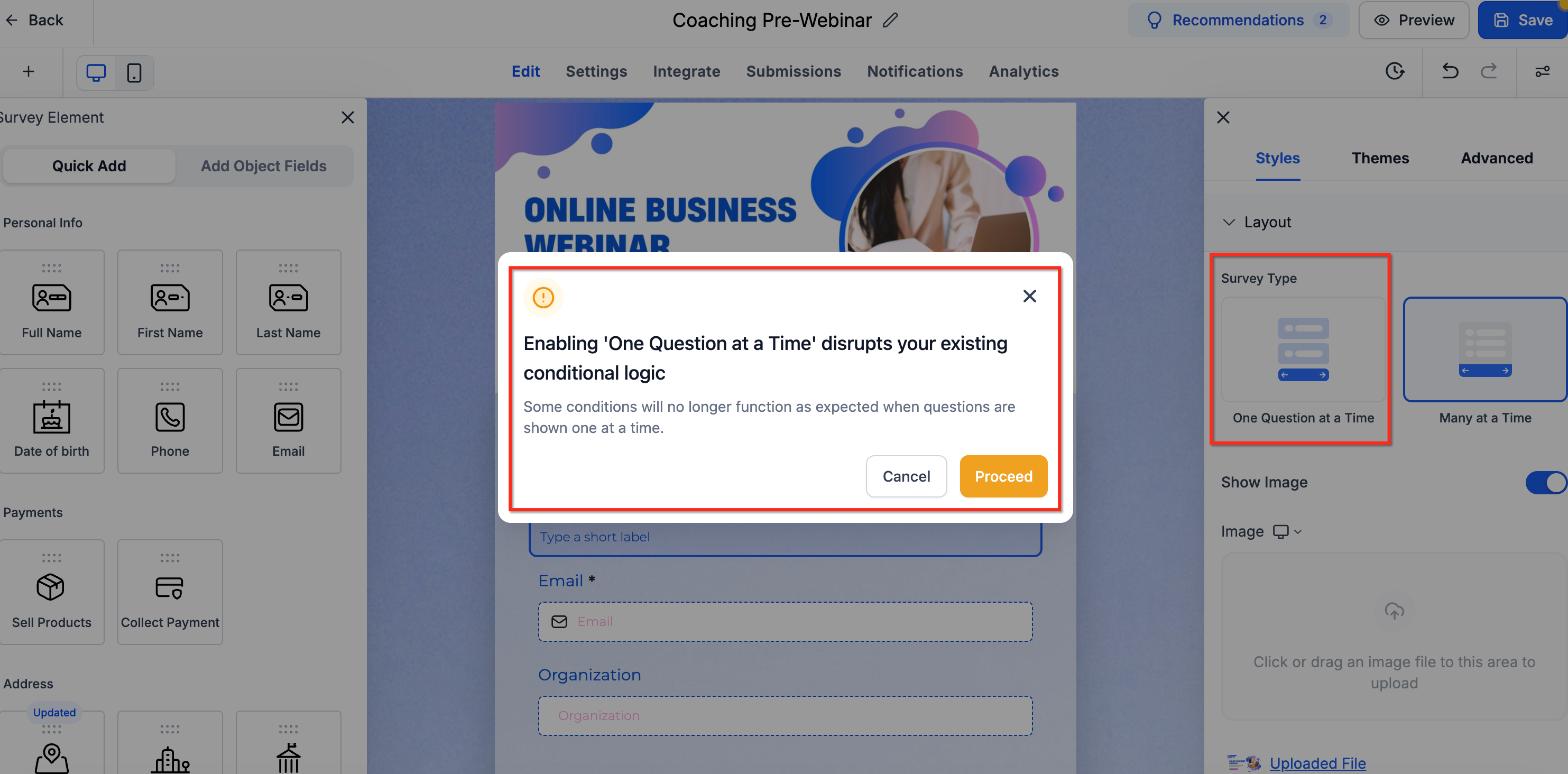
If a conditional logic warning appears, review the message and click Proceed to continue or Cancel to keep the current setting.
Once enabled, each question appears on a separate slide in the builder preview, matching the experience of respondents completing the survey.
Things to Know
Conditional Logic: Enabling or disabling One Question at a Time may affect existing survey conditional logic. A confirmation dialog warns you about potential impacts before changing the setting. Click Proceed to continue or Cancel to keep the current setting.
Bulk-Added Object Fields: When One Question at a Time is enabled, object fields added in bulk follow the one-question-per-slide layout. The builder separates bulk-added fields onto individual slides where appropriate.
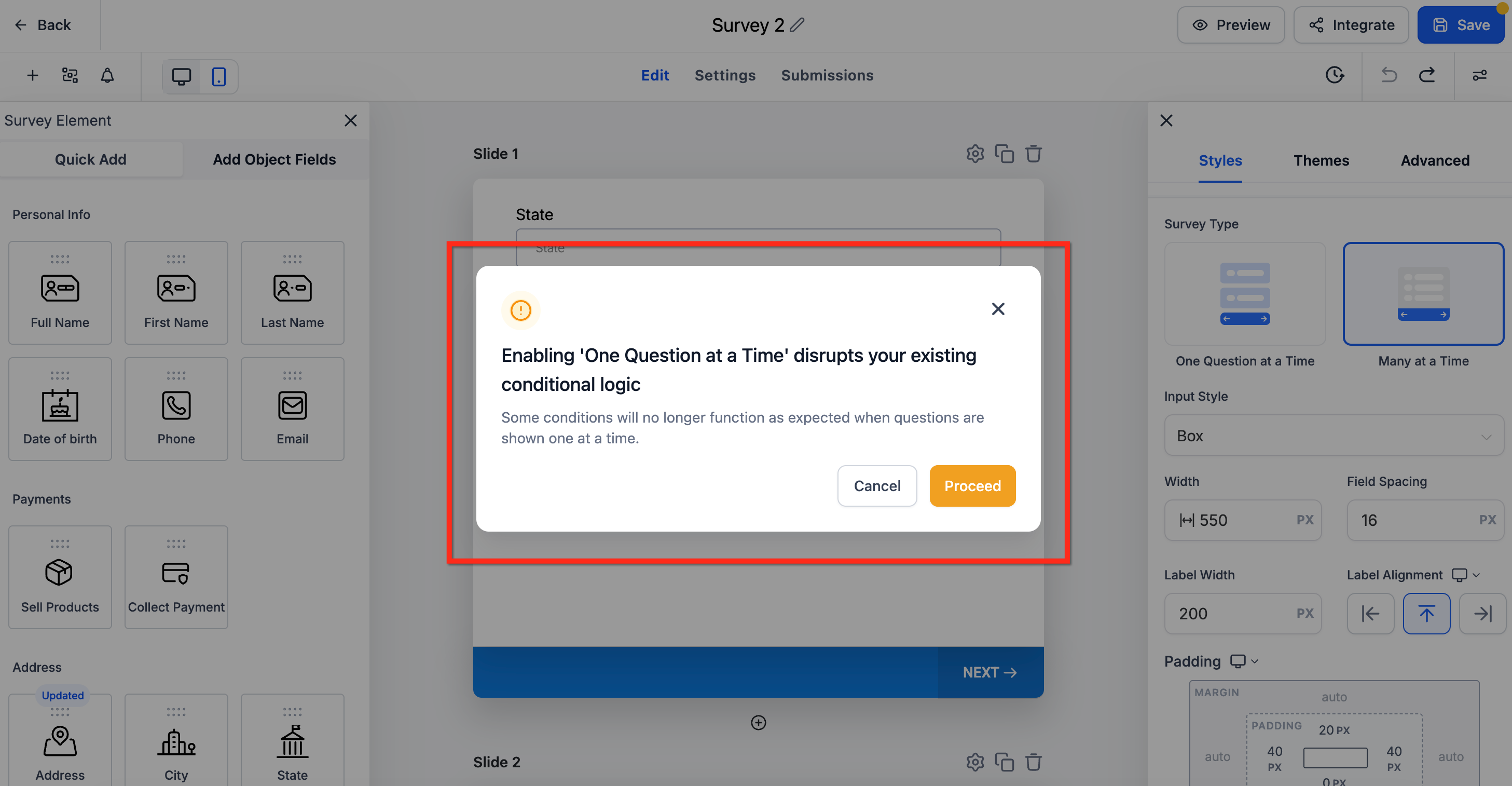
Existing Questions: This setting changes only how the survey is displayed. It does not remove or modify existing questions.