
This article explains recent improvements to the PDF generation system used for invoices and receipts. These updates deliver faster downloads, more reliable automated workflows, and near-instant delivery of PDF documents—without timeouts or failures.
TABLE OF CONTENTS
- What Is the PDF Generation Pipeline?
- Key Benefits of the Updated PDF Engine
- How the New PDF Engine Works
- Performance Comparison
- Frequently Asked Questions
- Where to Find Help
What Is the PDF Generation Pipeline?
The PDF generation pipeline is the system responsible for creating downloadable and email-ready PDF documents for invoices and receipts. It supports actions such as:
Downloading invoices from the billing interface
Generating receipts during payment flows
Sending invoices or receipts through automated workflows
This system plays a critical role in ensuring billing documents are delivered accurately, quickly, and consistently.
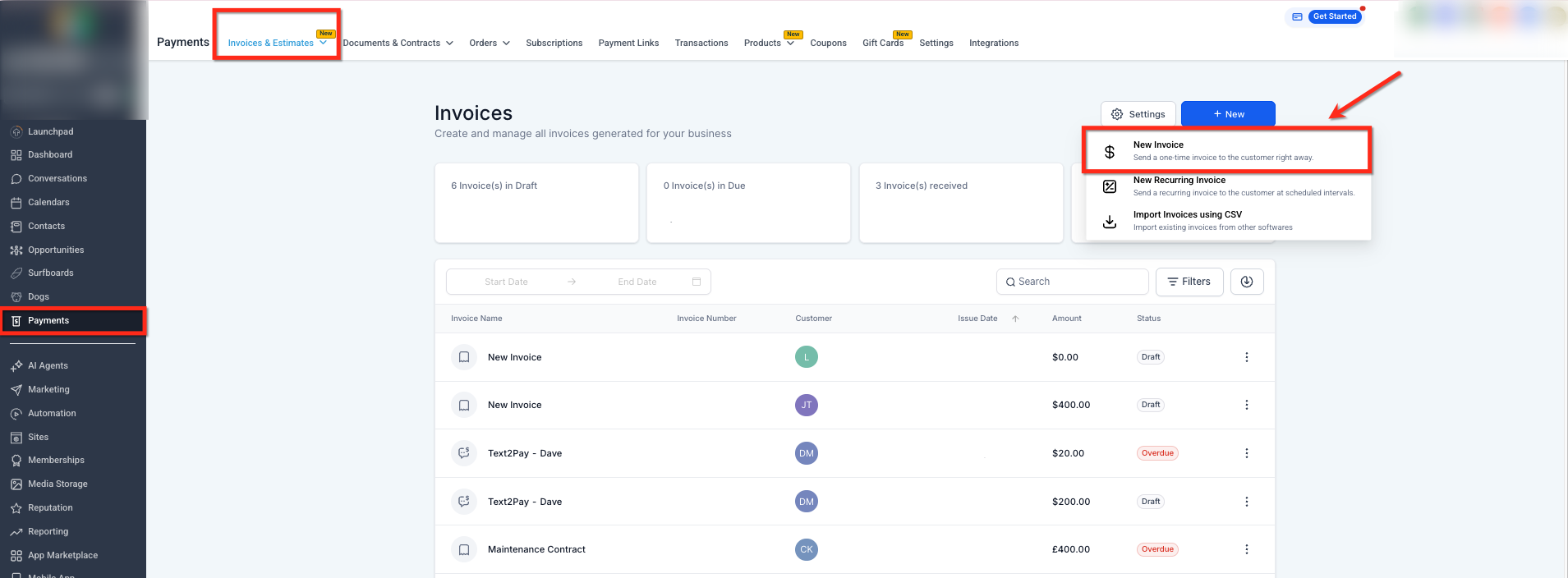
This view shows the invoices area where a PDF is generated when an invoice is downloaded or prepared for sending.
Key Benefits of the Updated PDF Engine
The upgraded PDF engine delivers significant performance and reliability improvements across all invoice and receipt workflows.
Key improvements include:
Approximately 80% faster average PDF generation time
75% reduction in high-load (P95) latency
Elimination of timeout failures during PDF creation
Faster and more dependable delivery of invoices and receipts
Fewer PDF-related support issues
Increased confidence due to immediate document availability
These enhancements apply to both manual downloads and automated delivery.
How the New PDF Engine Works
No setup or configuration is required. The improved PDF engine is automatically active for all users.
You may notice:
Faster invoice and receipt downloads
More reliable automated workflows involving PDFs
No delays or timeouts when generating documents
All existing workflows continue to function the same way—only faster and more stable.
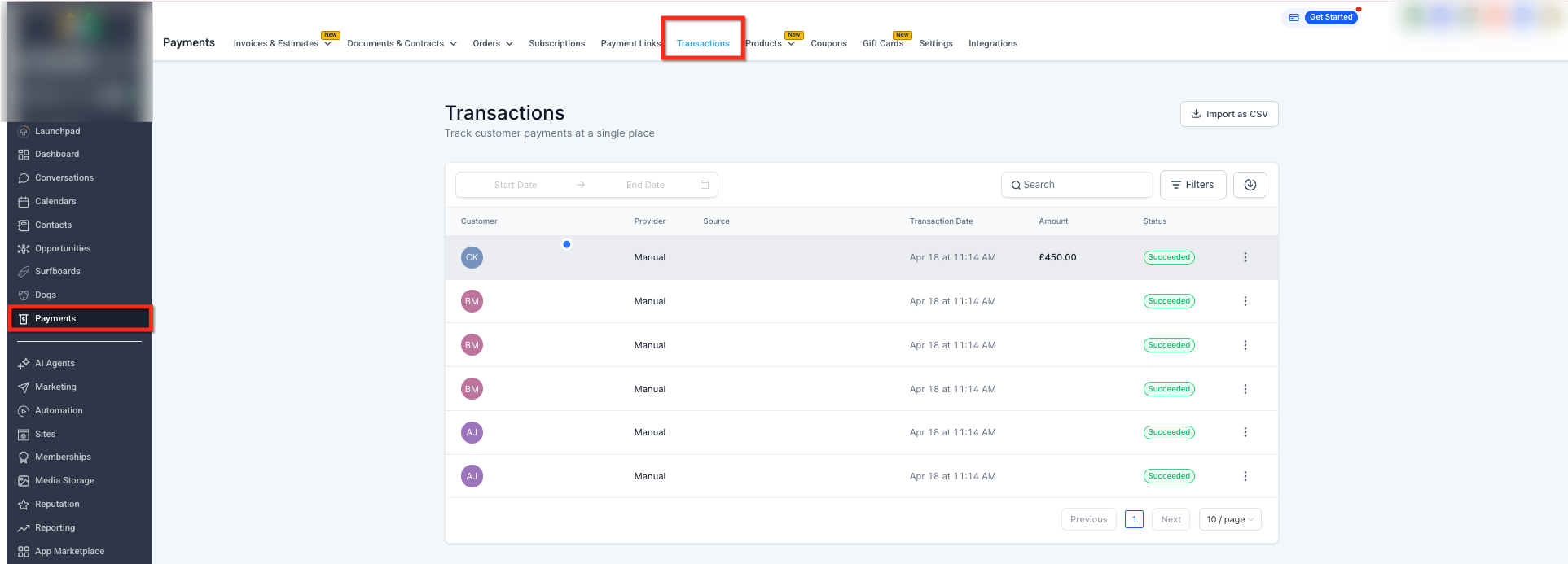
This view shows completed transactions where receipt PDFs are generated automatically after successful payments.
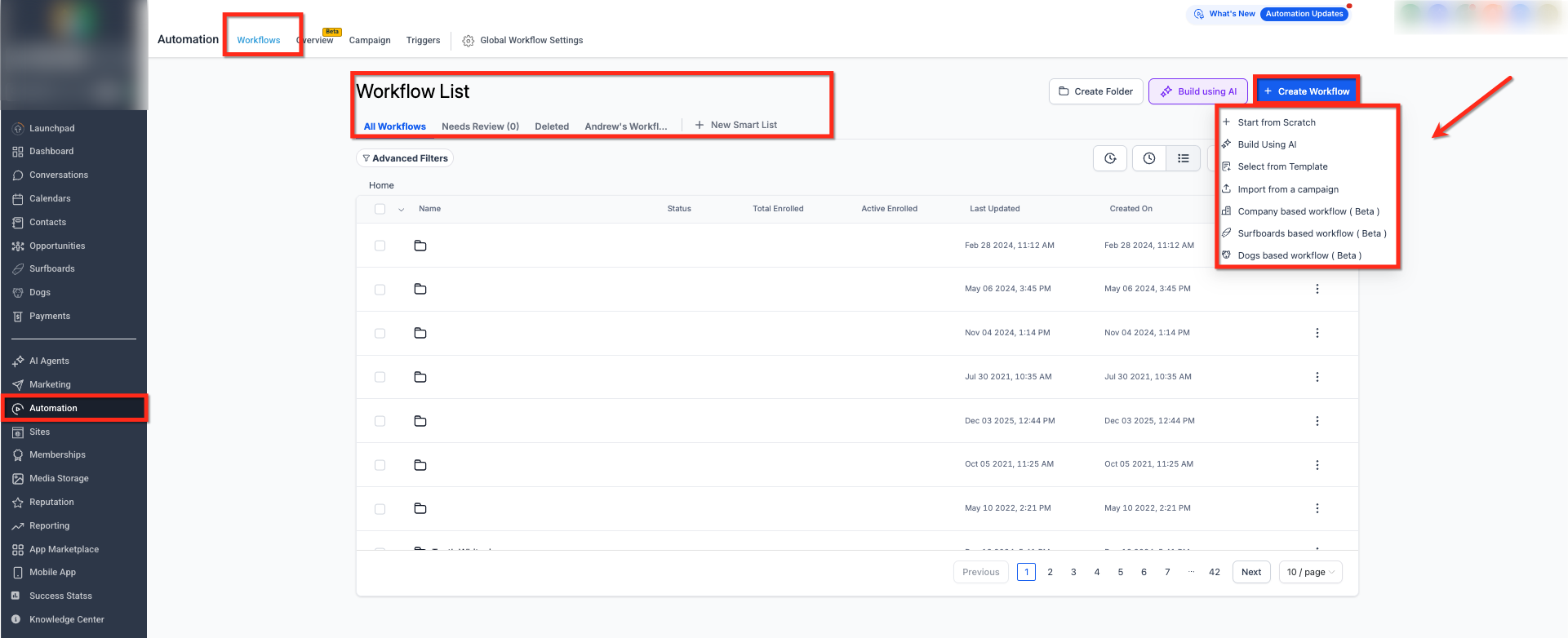
This view highlights automated communication or workflow activity where PDFs are attached and delivered without delays.
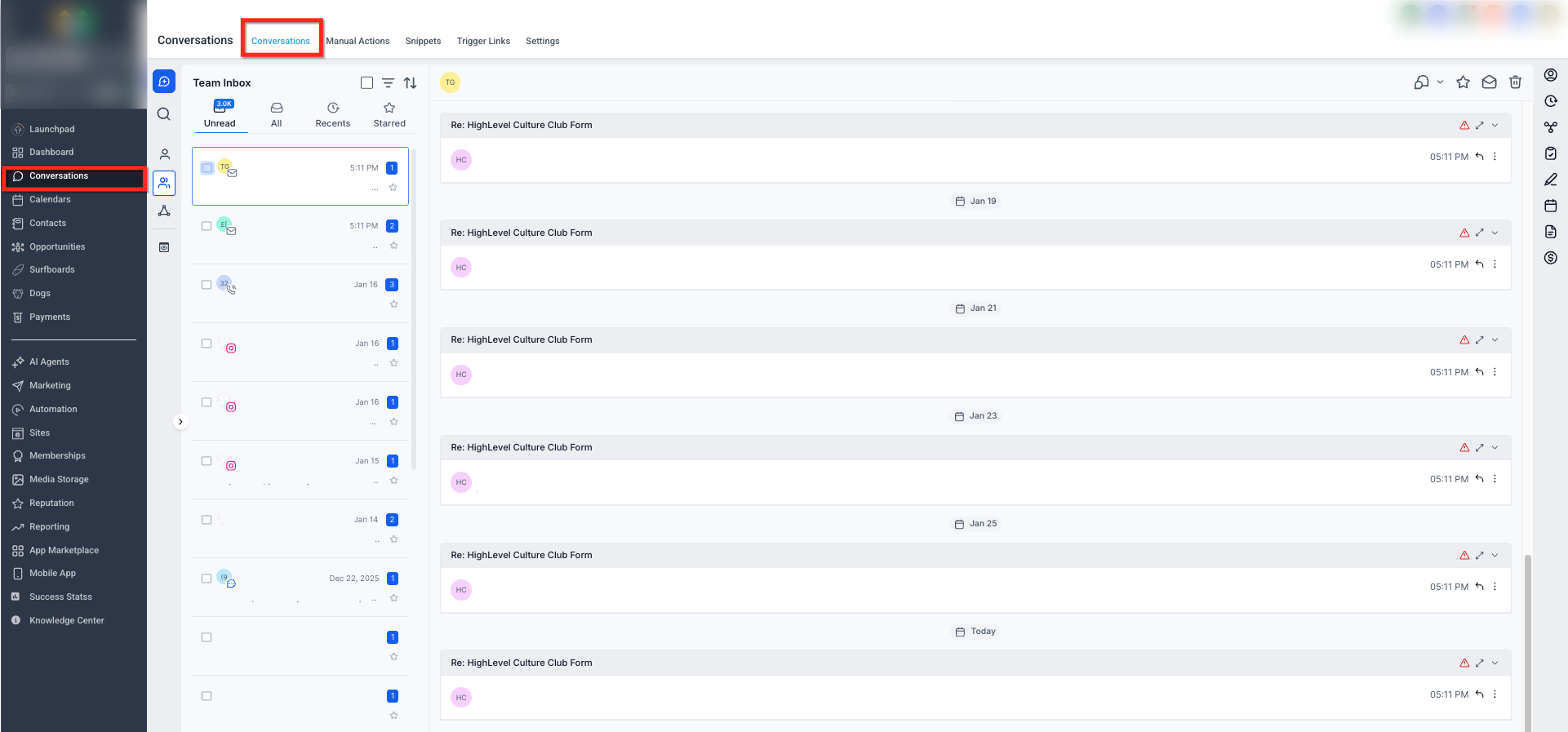
This view shows workflows that rely on invoice or receipt PDFs, demonstrating reliable generation during automated steps.
Performance Comparison
Metric | Before | After | Improvement |
|---|---|---|---|
Average Generation Time | ~14.8 seconds | 2.97 seconds | 80% faster |
P95 Latency | ~19.5 seconds | 4.8 seconds | 75% faster |
Timeout Failures | ~1% | 0% | 100% reliability |
These performance gains are especially noticeable during high-volume activity or automation-heavy usage.
Frequently Asked Questions
Q: Do I need to enable or configure anything to use the new PDF engine?
No. The improvements are already active and apply automatically to all invoice and receipt workflows.
Q: What if a PDF still fails to generate?
Timeout-related issues have been eliminated. If a failure occurs, it may be caused by unrelated factors and should be reviewed by support.
Q: Are existing workflows automatically upgraded?
Yes. Any workflow that generates or sends invoice or receipt PDFs uses the updated engine automatically.
Q: How can I see the performance improvement?
Downloading an invoice or triggering a receipt delivery should now feel noticeably faster.
Q: Does this upgrade affect other document types?
No. The improvements apply specifically to invoice and receipt PDFs.
Where to Find Help
If you need assistance with invoices, receipts, or PDF delivery:
Use the in-app help search to find related documentation
Review troubleshooting guides for billing or automation
Contact support if PDF documents fail to generate or appear delayed